

Available soon
London Breakout Pro is an MT4 expert advisor that marks the Asian, London and New York sessions, tracks the London high and low, and watches for breakouts. It works on gold, silver and major forex pairs, with M15 as the suggested chart.
Get one message the moment it launches, with its price.
London Breakout Pro is an expert advisor for MetaTrader 4 built around the London session range. It marks the main trading sessions on your chart, records the London high and low, and watches for price to move beyond those levels.
The EA divides the trading day into the Asian, London and New York sessions and shows each as a coloured box, so you can see at a glance where each session began and ended. Once the London session is under way, it keeps track of the highest and lowest prices reached. Those two levels act as support and resistance for the breakout idea: a move beyond the London high or below the London low is treated as a possible breakout.
An on-screen dashboard shows the symbol, the current spread, daily market information and the present London high and low. Spread matters on gold and silver, so the display is a quick way to see whether conditions suit you before you let the EA act.
The EA includes tools for handling open positions:
Check the input list in your copy to see exactly how entries, lot sizing and exits are configured, and which of these tools are switched on by default.
The suggested chart is M15. The design points to gold (XAUUSD) and silver (XAGUSD), plus forex pairs such as EURUSD, GBPUSD, USDJPY and GBPJPY. The most relevant periods are the London open, the London session and the overlap with New York. Symbol names vary between brokers, for example with suffixes, so confirm the exact name on your account.
Exact input names and defaults can differ, so open the Inputs tab and review each group before running the EA. Areas worth checking include:
| Area | What to check |
|---|---|
| Session times | Start and end hours for each session against your broker's server time |
| Broker time offset | Whether the offset matches your broker's clock and daylight saving changes |
| Risk and lot size | Fixed or risk-based sizing, and a size suited to your account |
| Stops and targets | Stop loss and take profit distances for the symbol you trade |
| Break-even and trailing | Trigger distance and step, if you want them active |
Breakout approaches can suffer from false moves, wide spreads at the session open and sudden news spikes, especially on gold. Results depend on the broker, the symbol, the settings and market conditions. Testing in the Strategy Tester and on a demo account will help you understand how the EA behaves, but test results are only an approximation.
Trading forex, metals and CFDs carries a high level of risk and you can lose more than you expect. Past results do not predict future ones. Test on a demo account first and only trade money you can afford to lose.
Keep the terminal running, ideally on a stable connection or a VPS, because the EA can only act while MT4 is open and connected.
| Product type | Expert Advisor |
|---|---|
| Platform | MetaTrader 4 |
| Strategy focus | Gold or XAUUSD, Support and resistance, Breakout |
| Delivery | Download from your account after purchase |
| License key | Not needed |
| Status | Launching soon |
| Category | Expert advisor |
| Trade style | Session range breakout |
| Markets | XAUUSD, XAGUSD, EURUSD, GBPUSD, USDJPY, GBPJPY and other majors |
| Suggested timeframe | M15 |
| Active sessions | London open, London session, London and New York overlap |
| Trade management | Stop loss, take profit, break-even, trailing stop |
| Requirements | MT4 with AutoTrading enabled and a broker that offers the symbols |
No reviews yet. Customers who own London Breakout Pro MT4 can review it here.
No. This product is built for MetaTrader 4 and runs as an expert advisor in that platform. It will not load in MT5, which needs a separate build of the EA.
M15 is the suggested chart timeframe. The session boxes and London levels are calculated from broker time, so check that the session hours in the inputs match your broker's server clock before relying on any signal.
Yes. XAUUSD is one of the main intended markets, along with silver and major forex pairs. Spreads and symbol names differ between brokers, so check the spread on your account and the exact symbol name before attaching the EA.
No. The EA works out the configured sessions and the London high and low itself and draws them on the chart. You only need to confirm the session times and broker time offset in the inputs.
Copy the expert file into the Experts folder of your MT4 data directory (File, Open Data Folder, MQL4, Experts), restart MT4, attach the EA to an M15 chart and make sure AutoTrading is switched on.
Yes. Run it on a demo account first, review the inputs with your broker's conditions in mind, and only then consider a live account. Trading carries risk and past results do not predict future ones.
London Breakout Pro MT4
Notify me at launchQuestions about this tool?
Ask us on Telegram Install guide for MT4 and MT5 Get a custom version builtFree, practical help with testing, sizing and running expert advisors.
More MT4 tools with a similar focus.




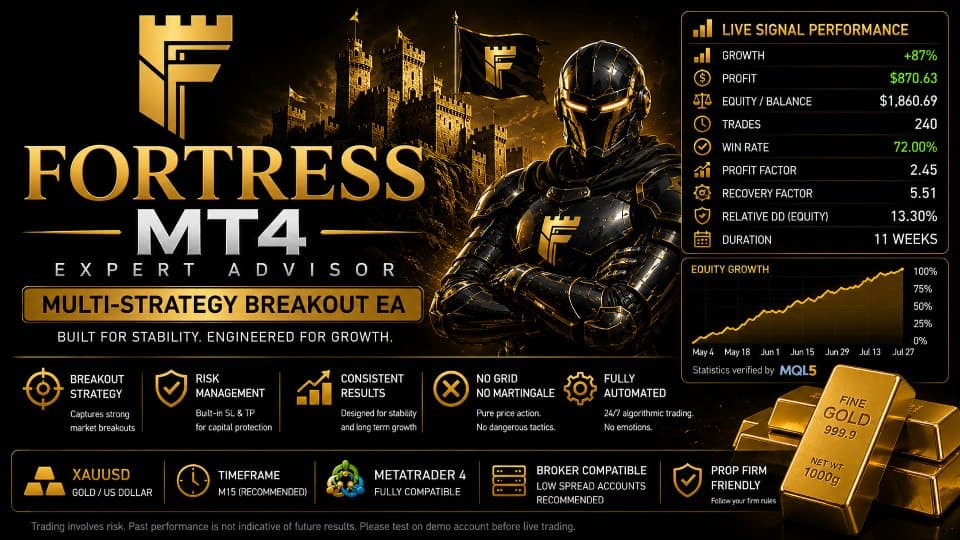







Own London Breakout Pro MT4? Sign in to review it.