

Available
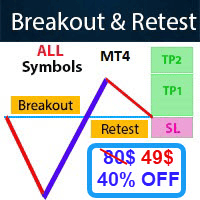
Easy Breakout is an MT4 indicator that watches for price breaking out of support and resistance zones and draws buy and sell signals with stop loss and take profit levels. It can alert you on the terminal, by email or by push notification.
Get one message the moment it launches, with its price.
Easy Breakout is an MT4 indicator that looks for price leaving a support or resistance zone and turns that event into a visible buy or sell signal, complete with a stop loss, several take profit levels and optional alerts.
The indicator identifies zones where price has previously stalled or reversed and then waits for a decisive move through one of them. When the move meets its validation rules, an arrow or label appears on the chart together with suggested levels. The author describes the validation as going beyond a simple close above or below a line, but the exact calculation is not published, so treat it as a tool to be tested rather than assumed.
| Element | Purpose |
|---|---|
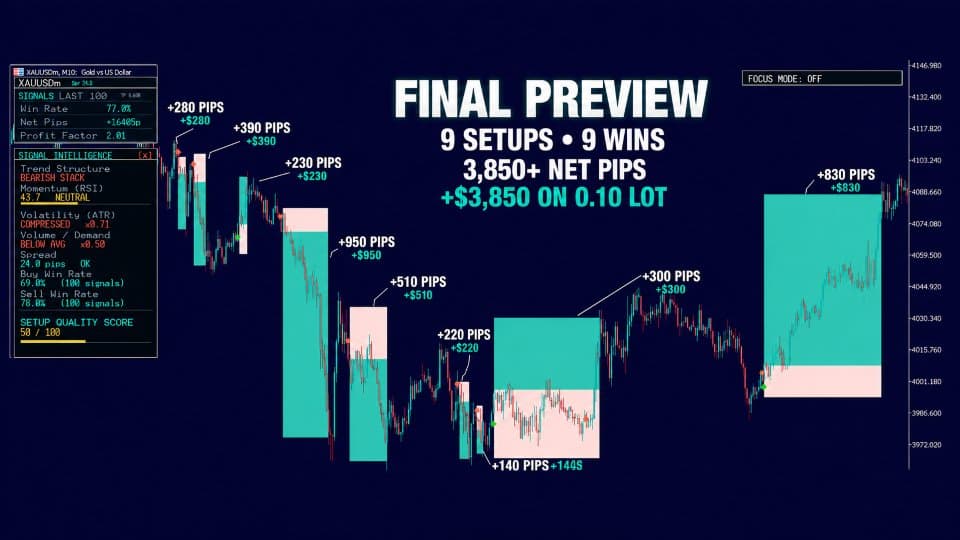
| Buy or sell marker | Direction of the breakout |
| Stop loss | Calculated automatically from current market conditions |
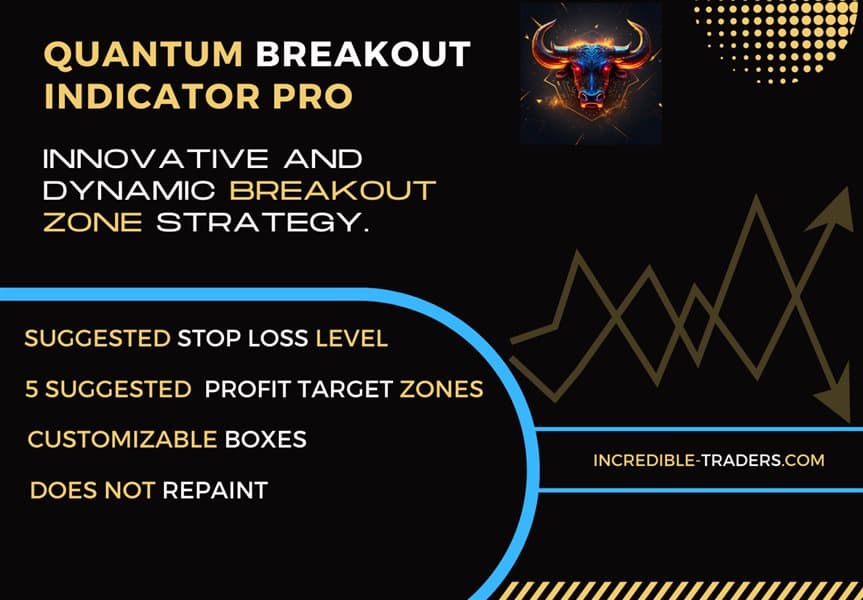
| Five take profits | Targets derived from Fibonacci ratios |
| Dashboard | Shows past success statistics for each symbol |
The author states that signals appear in real time and are not redrawn afterwards. You should still verify this yourself by leaving the indicator on a demo chart for several sessions and comparing what it showed live with what it shows later.
Breakouts can be found on any symbol and timeframe, so the indicator is not tied to one market. The author's own focus is gold (XAUUSD) on M1, M5 and M15. Short timeframes produce more signals but are more sensitive to spread and slippage, so check your broker's gold spread before relying on them. Higher timeframes give fewer signals and wider levels.
Exact input names and defaults can differ between builds, so open the inputs window after attaching the indicator and read each option before use. Things worth checking:
Breakout trading is exposed to false breaks, where price pokes through a level and then returns. News releases and thin liquidity make this more likely, particularly on gold. Size each position so that the suggested stop loss represents an amount you can afford to lose.
Trading carries risk, and past results do not predict future ones. The dashboard statistics describe earlier signals only. Test on a demo account before using real funds.
Keep enough chart history loaded for the symbol you use so that zones and dashboard statistics can be calculated properly.
| Product type | Indicator |
|---|---|
| Platform | MetaTrader 4 (MT4) |
| Strategy focus | Gold or XAUUSD, Signals, Support and resistance, Breakout |
| Delivery | Download from your account after purchase |
| License key | Not needed |
| Status | Launching soon |
| Category | Indicator (signals and levels, not an automated trader) |
| Strategy | Breakout of support and resistance zones |
| Markets | Any symbol; gold (XAUUSD) is the featured instrument |
| Timeframes | Any; M1, M5 and M15 are suggested for gold |
| Outputs | Buy/sell signals, stop loss, five targets, dashboard |
| Alerts | Terminal pop-up, email and mobile push notification |
| Requirements | MT4 terminal; email and push need setup in MT4 options |
No reviews yet. Customers who own Easy Breakout can review it here.
No. It is an indicator, so it draws signals and levels on the chart and sends alerts. You decide whether to open a trade, and you place and manage it yourself.
This version is built for MetaTrader 4 only. It will not load in MT5. If you trade on MT5, look for a separate MT5 product instead of trying to convert this one.
It can be attached to any symbol and timeframe. The author mainly uses it on gold (XAUUSD) on M1, M5 and M15. Test other markets on a demo account first, because breakout behaviour and spreads differ a lot between instruments.
Switch on the alert options in the indicator inputs. Then set up the MetaQuotes ID for push notifications and the SMTP details for email under Tools, Options in MT4. Send a test notification from the same options window to confirm it works.
No. The dashboard summarises how earlier signals on a symbol would have performed on the loaded history. Trading carries risk, and past results do not predict future ones. Spreads, slippage and your own execution will change real outcomes.
It should run on any broker that offers MT4. Symbol names often differ, for example a suffix on the gold symbol, so check that the chart shows enough history. Spreads and execution speed matter a great deal on the lowest timeframes.
Easy Breakout
Notify me at launchQuestions about this tool?
Ask us on Telegram Install guide for MT4 and MT5 Get a custom version builtFree, practical help with testing, sizing and running indicators.
More MT4 tools with a similar focus.






Own Easy Breakout? Sign in to review it.