


Available soon
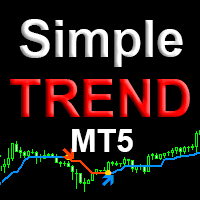
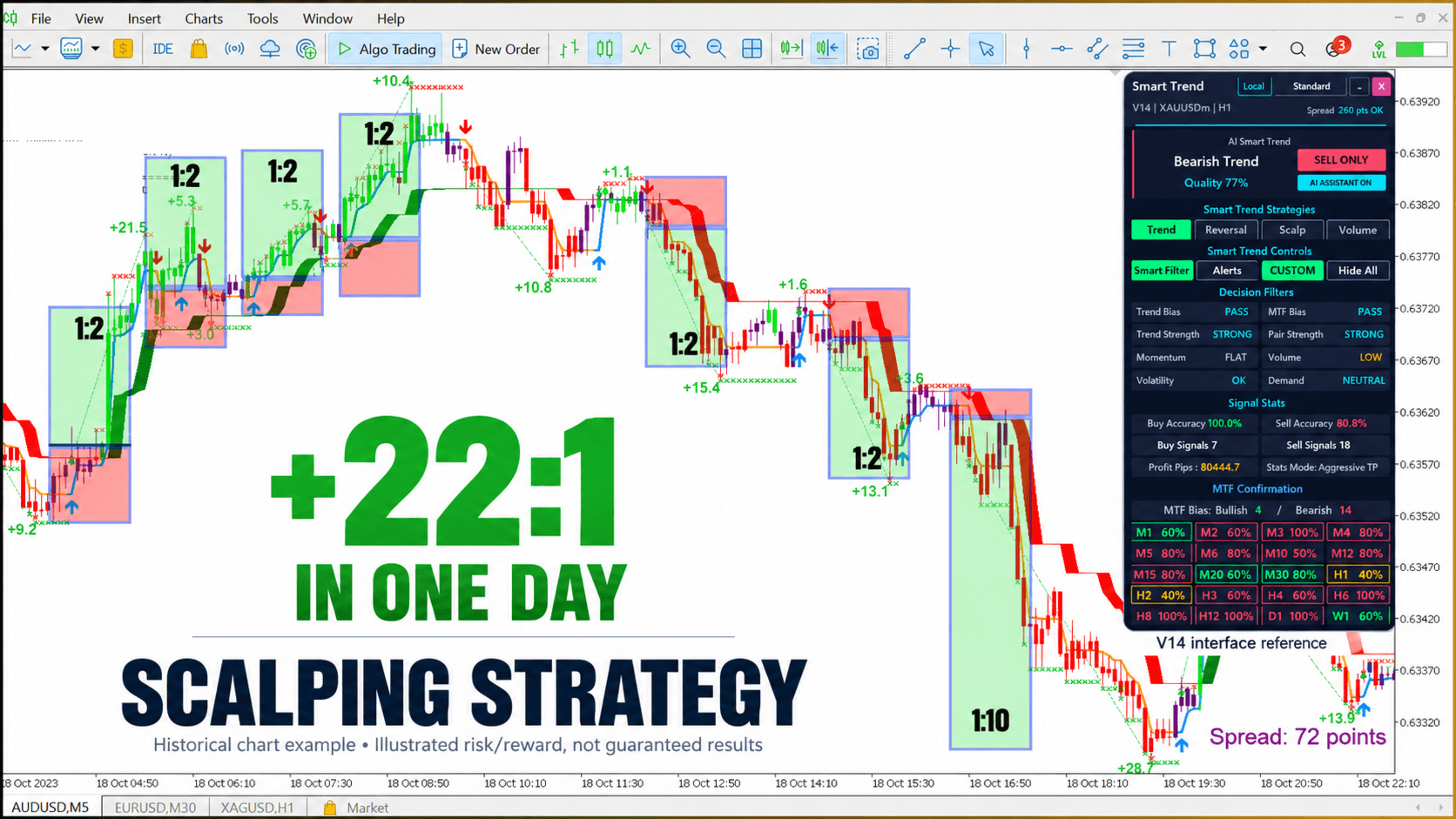
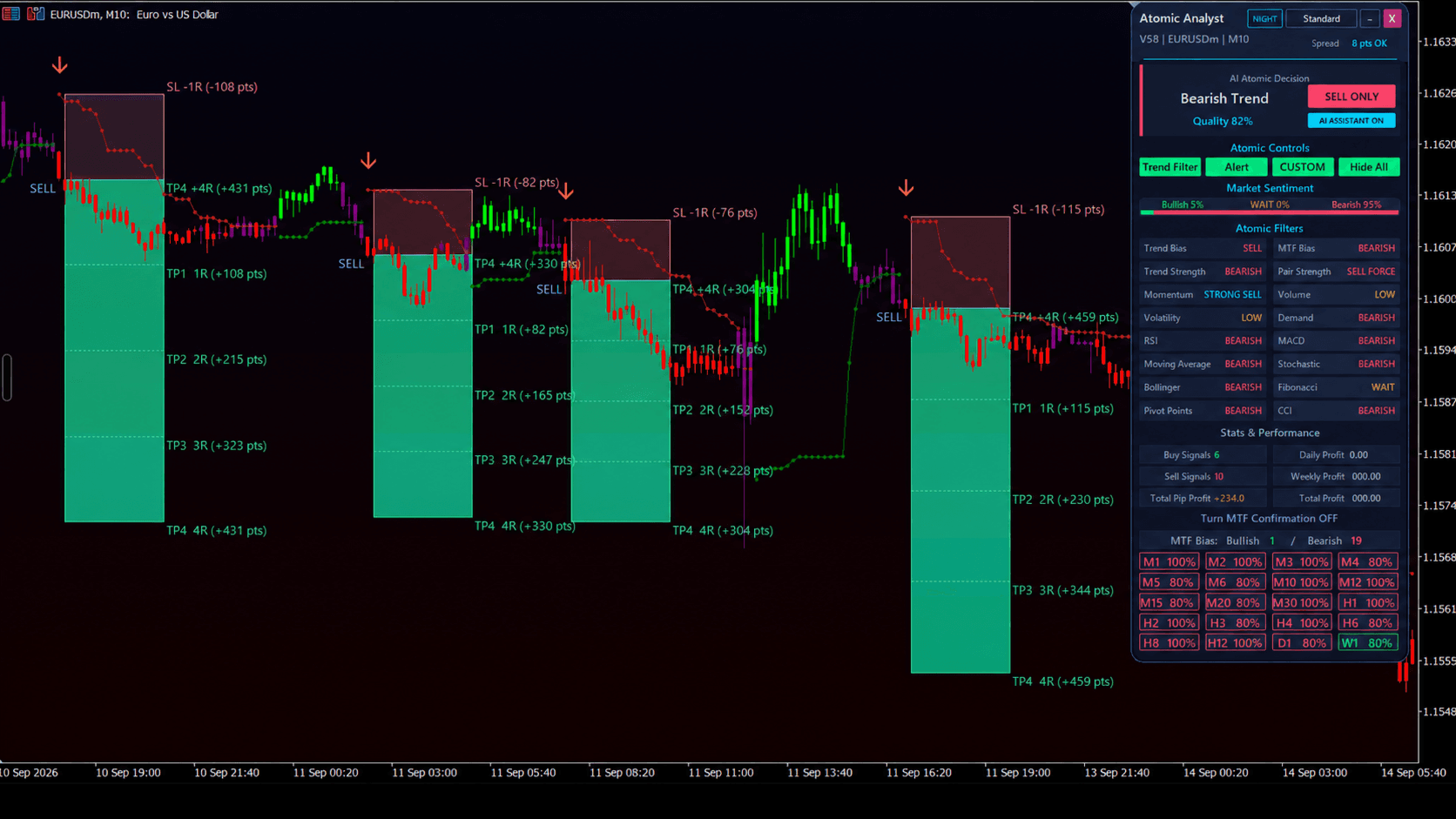
Smart trend pro is an MT5 indicator that draws a Half Trend line with a shaded cloud and buy or sell arrows. A chart panel summarises the current signal and the balance between bulls and bears.
Get one message the moment it launches, with its price.
Smart trend pro is a trend-following indicator for MetaTrader 5. It combines a Half Trend line, a shaded cloud, direction arrows and a small control panel so you can read the current trend state at a glance.
The core of the tool is a Half Trend calculation. It tracks recent highs and lows over a window set by the amplitude input and flips direction when price moves far enough against the current line. The line is coloured by direction, with blue for bullish and orange for bearish. An arrow marks each change, and an optional cloud fills the space between the line and the price extremes to show how stretched the move is.
A panel on the chart shows the current state as buy, sell or neutral. It also shows a bulls versus bears comparison and a trend strength percentage. These are descriptive readings of the chart it is attached to. They are not forecasts and should be treated as one input among several.
The indicator can be attached to any symbol your broker offers in MT5, including forex pairs, metals and indices, and to any timeframe. Lower timeframes produce more direction changes and more false turns, while higher timeframes react more slowly. Because it only reads the chart it is attached to, it works with the volume and price data your broker supplies, so results can differ between brokers.
The exact list and default values are shown in the inputs window when you attach the indicator, so check them there. The main groups are:
| Setting | Purpose |
|---|---|
| Amplitude | Controls how sensitive the trend line is. Smaller values react sooner, larger values filter more noise. |
| Panel position and size | Places and scales the panel on the chart. |
| Colours | Changes panel, line, cloud and candle colours. |
| Animation speed | Sets how quickly the panel effects update. |
Trading carries risk, and past results do not predict future ones. Trend indicators lag price and can give false signals in ranging markets. Test on a demo account before using any signal with real money, and never risk more than you can afford to lose.
| Product type | Indicator |
|---|---|
| Platform | MetaTrader 5 (indicator, not an expert advisor) |
| Strategy focus | Signals, Trend, Volume, Currency strength |
| Delivery | Download from your account after purchase |
| License key | Not needed |
| Status | Launching soon |
| Category | Trend-following indicator with signal panel |
| Core method | Half Trend line with arrows, cloud and strength readout |
| Markets | Any symbol in your Market Watch, such as forex, metals or indices |
| Timeframes | All MT5 timeframes; tune the amplitude input per timeframe |
| Trade style | Manual trend following; it does not place orders |
| Customisation | Panel position, size, colours, animation speed and chart colours |
| Requirements | MT5 desktop terminal with enough chart history loaded |
No reviews yet. Customers who own Smart trend pro can review it here.
No. It is an indicator, so it draws the trend line, cloud, arrows and panel on the chart. You decide whether to trade, and you set your own entries, stop losses and position sizes.
No. This product is built for MetaTrader 5 only. An MT4 terminal cannot load it, so check your platform version before buying.
It can be attached to any symbol and timeframe available in your MT5 terminal. Trend lines behave differently on fast and slow charts, so test the amplitude setting on a demo account first.
Open MT5, choose File and then Open Data Folder, and copy the indicator file into MQL5/Indicators. Restart the terminal or refresh the Navigator, then drag the indicator onto a chart.
The panel is described as a bulls versus bears reading with a signal state and a strength percentage for the chart it is attached to. If you need a full multi-currency table, check the product details and test it on a demo chart first.
Yes. The panel includes controls to minimise it, to switch the indicator on or off and to toggle the cloud, so you can keep the chart as clean as you like.
Smart trend pro
Notify me at launchQuestions about this tool?
Ask us on Telegram Install guide for MT4 and MT5 Get a custom version builtFree, practical help with testing, sizing and running indicators.
More MT5 tools with a similar focus.






Own Smart trend pro? Sign in to review it.